
 by
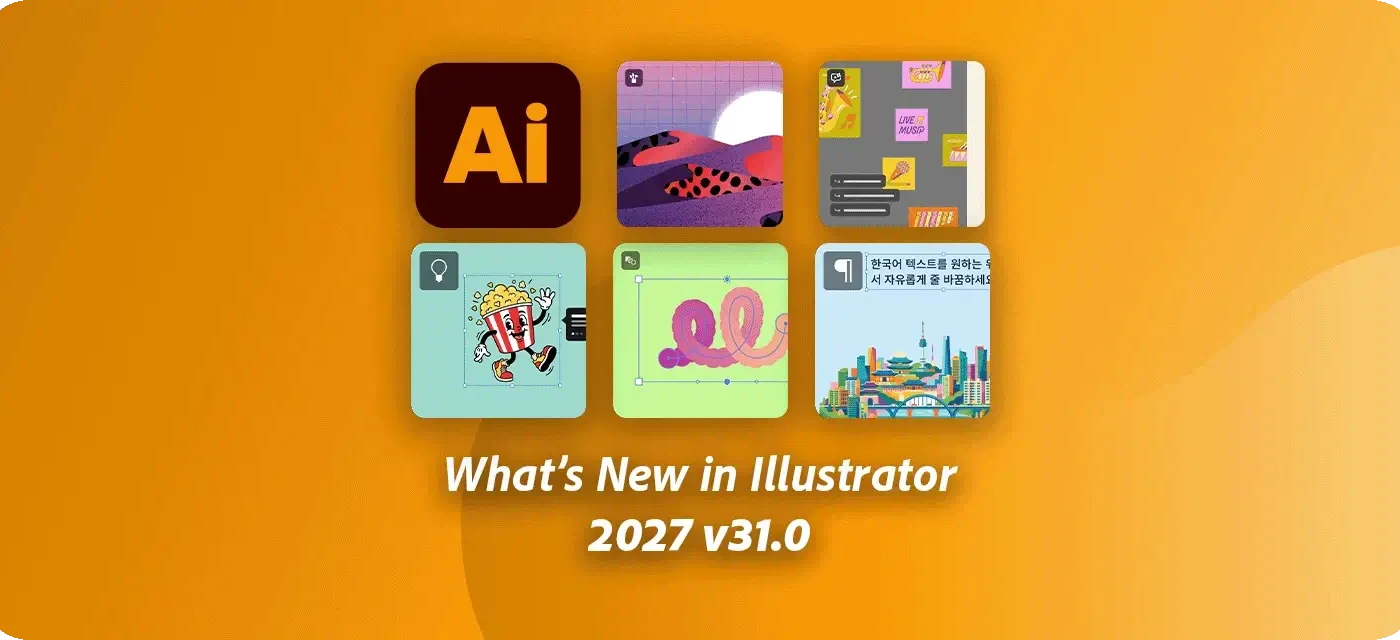
Adobe Illustrator 2027 For [Win + Mac] Latest Download
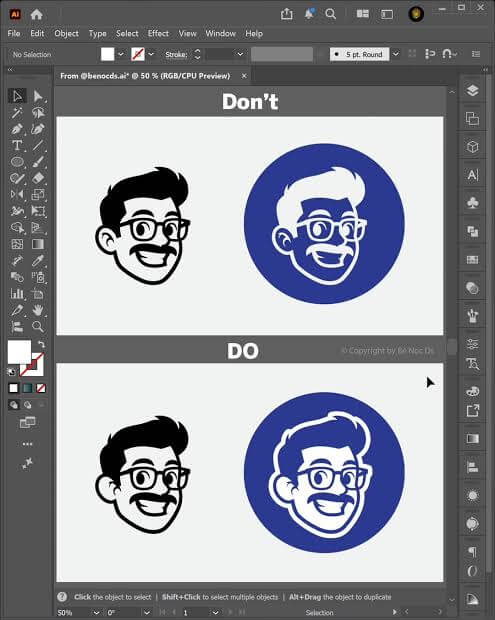
Adobe Illustrator 2027 is an amazing and professional graphic design tool that includes many useful tools and features that users can use to create creative designs and make their ideas a reality. It has a simple and fast processing function, loads CPU resources best, and does not interfere with other basic processes.
Adobe Illustrator 2027 Full allows users to design shapes, logos, folders, templates, boxes, cards, and more in a sophisticated environment. The program supports a variety of image formats and export options, allowing users to export their images in different sizes, dimensions, qualities and formats.
With Adobe Illustrator CC 2027 Full Version Crack, image editors can create and design PDF files. If the import project lacks a font, the program has a search font that can do the job and complete the fonts and projects. With responsible performance and sophisticated tools, you can focus on design rather than process. Reuse vector graphics between documents. You can add effects, manage patterns, and edit individual characters to create a style template that perfectly expresses your message.
You can also download Wondershare Filmora for Win + Mac
Adobe Illustrator 2027 Key Features:
- Create professional vector illustrations and artwork.
- Design logos, icons, symbols, and branding materials.
- Work with advanced typography and text formatting.
- Use powerful drawing tools, shapes, and paths.
- Create and edit gradients, patterns, and color combinations.
- Organize artwork using layers and artboards.
- Export designs in multiple formats and sizes.
- Create scalable graphics for websites and print projects.
- Reuse vector graphics across different documents.
- Apply effects and graphic styles to objects.
- Use AI Assistant (beta) for supported production tasks.
- Fine-tune blends with improved controls.
- Explore refreshed brushes and graphic styles.
- Work with professional design and print workflows.
- Integrate Illustrator projects with other compatible Adobe applications.
What Can You Create with Adobe Illustrator?
Illustrator is suitable for many types of creative projects, including:
- Business logos and brand identities
- Social media graphics and banners
- Posters, flyers, and brochures
- Business cards and invitations
- Product packaging and labels
- Vector icons and illustrations
- Website graphics and interface elements
- Typography and lettering designs
- Infographics and diagrams
- Digital artwork and creative compositions
Supported File Formats
Illustrator supports a range of formats for opening, editing, and exporting creative projects. Common formats include:
- AI – Adobe Illustrator document
- EPS – Encapsulated PostScript
- PDF – Portable Document Format
- SVG – Scalable Vector Graphics
- PNG – Portable Network Graphics
- JPEG – Joint Photographic Experts Group
- PSD – Adobe Photoshop document
Available options depend on the document and export settings.
What’s New in Adobe Illustrator 2027?
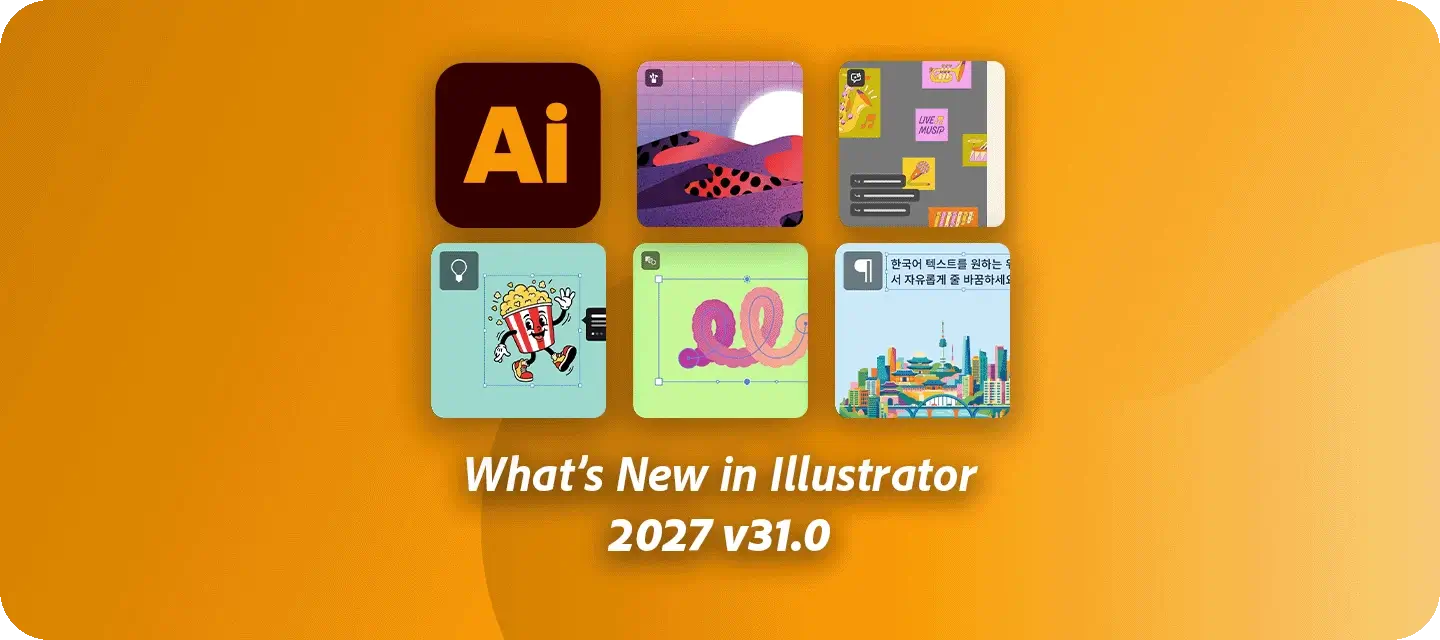
Adobe Illustrator 2027 introduces new creative tools and workflow improvements. Here are some of the important updates in version 31.0.
1. AI Assistant (Beta)
The new AI Assistant (beta) helps users handle repetitive and multi-step production tasks using natural-language prompts. It can assist with organizing layers, editing content, preparing artwork for print, and streamlining routine design work.
2. Improved Blend Controls
The updated Blend panel provides more control over transitions between objects. New options and on-canvas easing handles help designers create smoother blends and fine-tune the appearance of their artwork.
3. Updated Brushes and Graphic Styles
Illustrator 2027 includes refreshed professional-grade brushes and graphic styles. Designers can experiment with expressive strokes, textures, patterns, and visual effects to create distinctive illustrations.
4. Quick Skill Guide
The Quick Skill Guide provides guided lessons for learning important Illustrator tools and techniques. It helps users improve their understanding of shapes, colors, typography, and other design workflows without leaving the application.
5. Improved Typography Controls
The November 2026 update introduces improved Korean line-breaking controls, offering more flexibility when arranging Korean text in design projects.
6. Windows ARM Support
Illustrator 31.0 adds native support for Windows ARM devices and Copilot+ PCs, expanding compatibility with supported hardware.
Fixed Issues:
Illustrator 31.0 addresses a number of issues reported by customers. Thanks for sharing your reports and helping us improve Illustrator.
- [Mac] A false Wacom driver warning appeared on every launch, even when the tablet was working correctly.
- [Mac] Pressing the spacebar on the Home screen or after switching tabs unexpectedly opened a file dialog.
- [Win] Zoom could become extremely slow and unresponsive when GPU Preview was enabled.
- Severe lag could occur when zooming, panning, and switching tools, particularly in documents containing multiple artboards.
- Documents containing stacked dimension annotations or objects with accumulated metadata could experience significant lag when moving or editing artwork.
- Blend orientation could revert to Align to Path instead of retaining the selected setting.
- Blend panel settings could not be recorded or played back as Actions.
- Using Cmd/Ctrl+Enter while adjusting CMYK color values could incorrectly modify color channels set to zero.
- The ExtendScript Debugger extension for Visual Studio Code could fail to attach to Illustrator for script debugging.
For the complete list of fixes and release information, see the Illustrator release notes.
Adobe Illustrator 2027 System Requirements:
Before installing Illustrator 2027, check that your computer meets Adobe’s requirements for version 31.0.
Windows Requirements:
- Operating system: Supported Windows 11 versions, including 24H2, 25H2, 26H1 and 26H2, or Windows 10 version 21H2 LTSC.
- Processor: Multicore Intel processor with 64-bit support and SSE 4.2 or later, or a compatible AMD Athlon 64 processor.
- RAM: 8 GB minimum; 16 GB recommended.
- Storage: 8 GB of available disk space for installation, with additional temporary space required. An SSD is recommended.
- Display: 1024 × 768 minimum; 1920 × 1080 recommended.
- Graphics: At least 1 GB of VRAM and DirectX 12 or OpenGL 4.0 or later for GPU Performance.
- Internet: Required for software activation, subscription validation, and online services.
How to Download Adobe Illustrator 2027?
- First, download Adobe Illustrator Crack Full version.
- Uninstall the previous version by using IObit Uninstaller Pro.
- Note Turn off the Virus Guard.
- After Download Unpack or extract the rar file and open setup (use Winrar to extract).
- Just install pre activated cracked setup.
- After all of these enjoy the Latest Version.
Frequently Asked Questions
Is Adobe Illustrator 2027 available?
Yes. Adobe’s November 2026 release information identifies Illustrator 2027 as version 31.0.
What are the new features in Illustrator 2027?
Important updates include AI Assistant (beta), improved Blend controls, refreshed brushes and graphic styles, the Quick Skill Guide, and Windows ARM support.
Is Adobe Illustrator suitable for beginners?
Yes. Beginners can use its drawing tools, shapes, typography features, and guided learning resources to develop their graphic design skills.
Can Illustrator create professional logos?
Yes. Illustrator is widely used for creating vector logos, icons, brand identities, and other scalable graphics.
Is Adobe Illustrator 2027 free?
Illustrator is commercial software. Check Adobe’s official website for current subscription options and any available trial offers.
Can Illustrator run on Windows 10?
Version 31.0 supports Windows 10 version 21H2 LTSC, subject to Adobe’s requirements. Regular Windows 10 releases are not listed as supported for this version.
Final Words
Adobe Illustrator 2027 is a powerful vector graphic design application for anyone who wants to create professional illustrations, logos, branding materials, and digital artwork. Its latest updates bring AI-assisted workflows, improved blending controls, refreshed design resources, and helpful learning tools.


One thought on “Adobe Illustrator 2027 v31.0 Full Version Download [Latest]”